01
Choose
All your contacts, some lists or accounts, or people you pick one by one. Then a format: Excel, CSV, vCard or PDF.
Export Contacts for iPhone
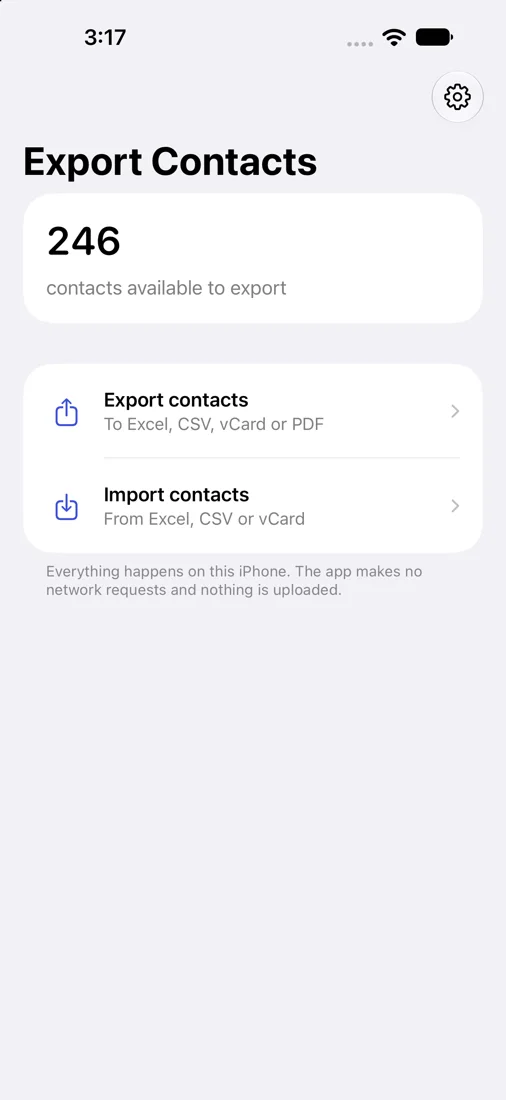
Turn the contacts on your iPhone into an Excel workbook, a CSV file, a vCard or a printable PDF. Or turn a spreadsheet into contacts. Everything happens on your iPhone.
Free preview and a free file with your first 10 contacts. One-time purchase for everything. No subscription.
01
All your contacts, some lists or accounts, or people you pick one by one. Then a format: Excel, CSV, vCard or PDF.
02
See your own contacts exactly as they will appear in the file: every column, every row, before you pay anything.
03
Save the file to Files, or send it by AirDrop or email. The free version writes the first 10 contacts so you can test the file where you need it.
Every phone number, email address and postal address of a contact with its label. Company, job title, birthday and other dates, websites, social profiles, related names and lists. Names in any script.
One row per contact with a header row. Phone numbers are stored as text, so leading zeros and plus signs survive.
A standard layout for any service, or the column names Outlook and Google Contacts expect when you import.
For moving contacts to another phone, computer or account, with photos.
A compact list or a detailed directory to print or send, on A4 or US Letter.
From Excel (.xlsx), CSV or vCard.
The app reads the column names in your spreadsheet, in eleven languages, and shows what each one becomes. Change any match with a tap.
You see how many contacts will be added, which look like ones you already have, and which rows were left out and why.
The app only adds contacts. It never changes or deletes the ones you have, and the last import can be removed again.
The app processes your data locally. There is no account, no advertising and no tracking. A file leaves your iPhone only when you share or save it yourself.
App privacyFree: full previews, files with your first 10 contacts, and imports of the first 10 contacts. One purchase unlocks all contacts, every format, export and import. It is a one-time purchase, not a subscription. The App Store shows your local price before you confirm.
Notes are not included in this version; Apple grants apps access to contact notes separately. Spreadsheets cannot hold photos, while vCard and PDF can. If you share only some contacts with the app, only those can be exported, and the app tells you how many it can see. Old .xls files and Numbers files are not read; save them as .xlsx or CSV first.
Support