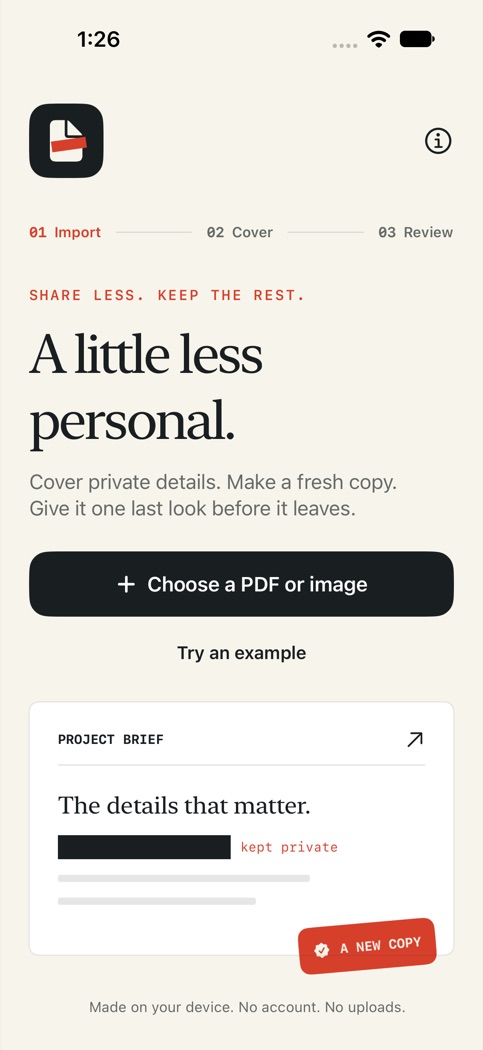
Choose the details to cover
Open a supported PDF or single-frame image. Add opaque rectangles over the visible information you want to cover. You choose their placement on each page. The imported original stays unchanged.
Review the copy
VeilCopy renders each page into a new image-only PDF, with covered pixels filled in. Source text layers, attachments and interactive fields are not copied into the export. Review each exported page before opening the iOS share sheet.
Try a fictional document
Use the built-in example to practice placement, export and review. Image-only output removes selectable text throughout the document, including text outside your covers. Keep the original if you need its text or accessibility structure.
More about VeilCopy
How to cover a detail in a PDF before sharing. Get support. VeilCopy privacy policy.