Set the phone between you
- On an iPhone with iOS 18 or later, take turns on one screen. To play face to face, open Quatre Duo on an iPhone Duo running iOS 27.1 or later and choose Use both screens. Rest the lower half flat on a table and lift the upper half to roughly a right angle.
- Allow Camera when prompted so the game can show both displays at once. Coral sits facing the upright inner screen. Amber sits opposite, facing the outer screen.
- Take turns tapping a column. You can also slide a finger to aim and lift it to drop. The disc falls to the lowest open space. Four touching discs of your colour in a straight line win.
Can you find Coral’s winning move?
This practice board shows the view from Coral’s seat after six turns. Coral is up. Pick the column that ends the round in one move.
Show the solution
Column 4 completes a horizontal line across the bottom. From Amber’s seat that line runs in the opposite direction. Both screens show the same match.
Read the board from either chair
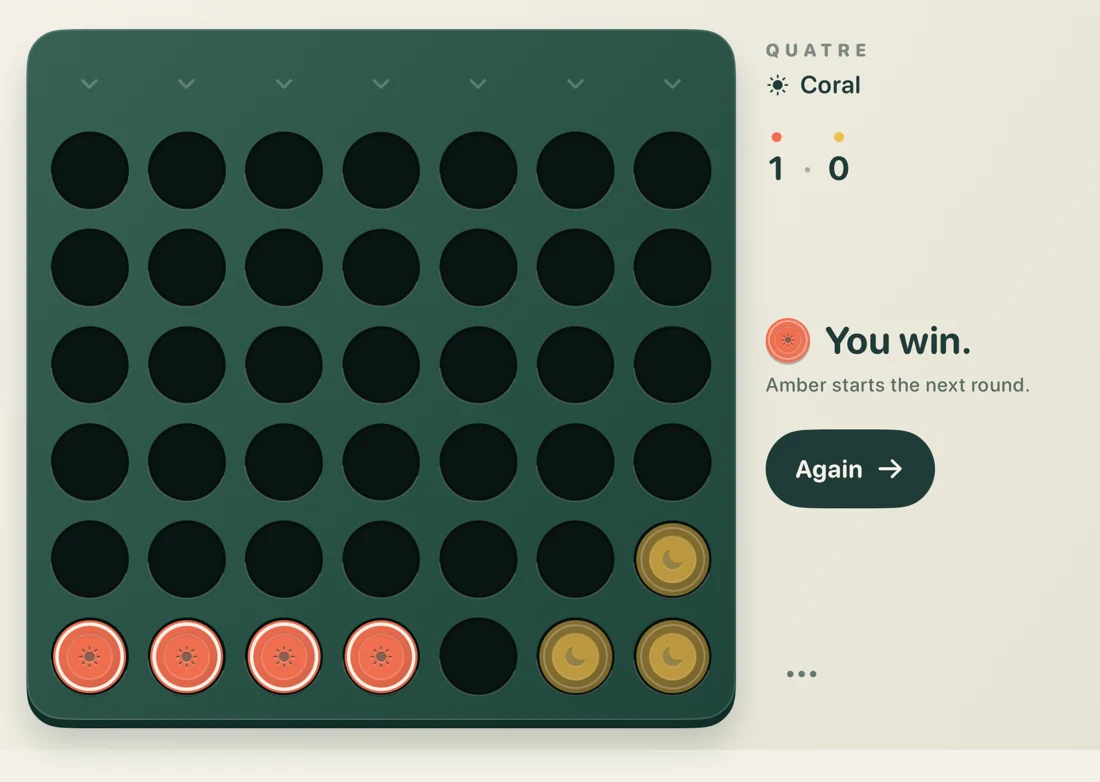
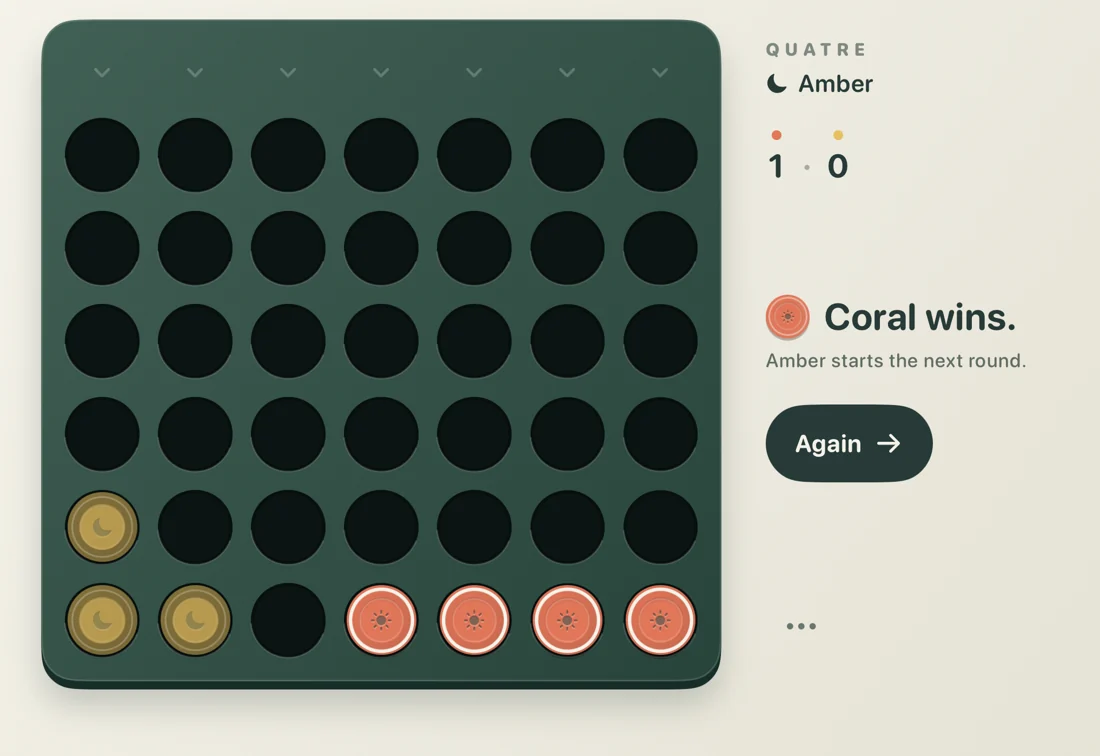
On your turn, first look for a winning line. If you can’t make one, check whether your opponent has three aligned next to an open landing space. A threat high on the board only counts once a disc can actually land there.
Start the next round
After a win or a draw, pull the slider beneath the board. Your opponent starts the next round and the match score carries over. Leaving the app saves your position on this device.
Quatre Duo 1.1 costs US$2.99 once. Share one screen on iPhone with iOS 18 or later, or play on both displays of iPhone Duo with iOS 27.1 or later.
Buy Quatre Duo on the App Store