01
Choose your export
Pick the ZIP file created by the Health app.
Health Data Restore for iPhone
Import an existing Apple Health export ZIP on your iPhone. Preview what’s inside for free, then restore the eligible records you choose with Health Data Restore.
Free scan and preview. One-time purchase to restore. No subscription.
Full Restore is $9.99 in the US. Requires an existing Health export ZIP and iPhone with iOS 17 or later.
How it works
01
Pick the ZIP file created by the Health app.
02
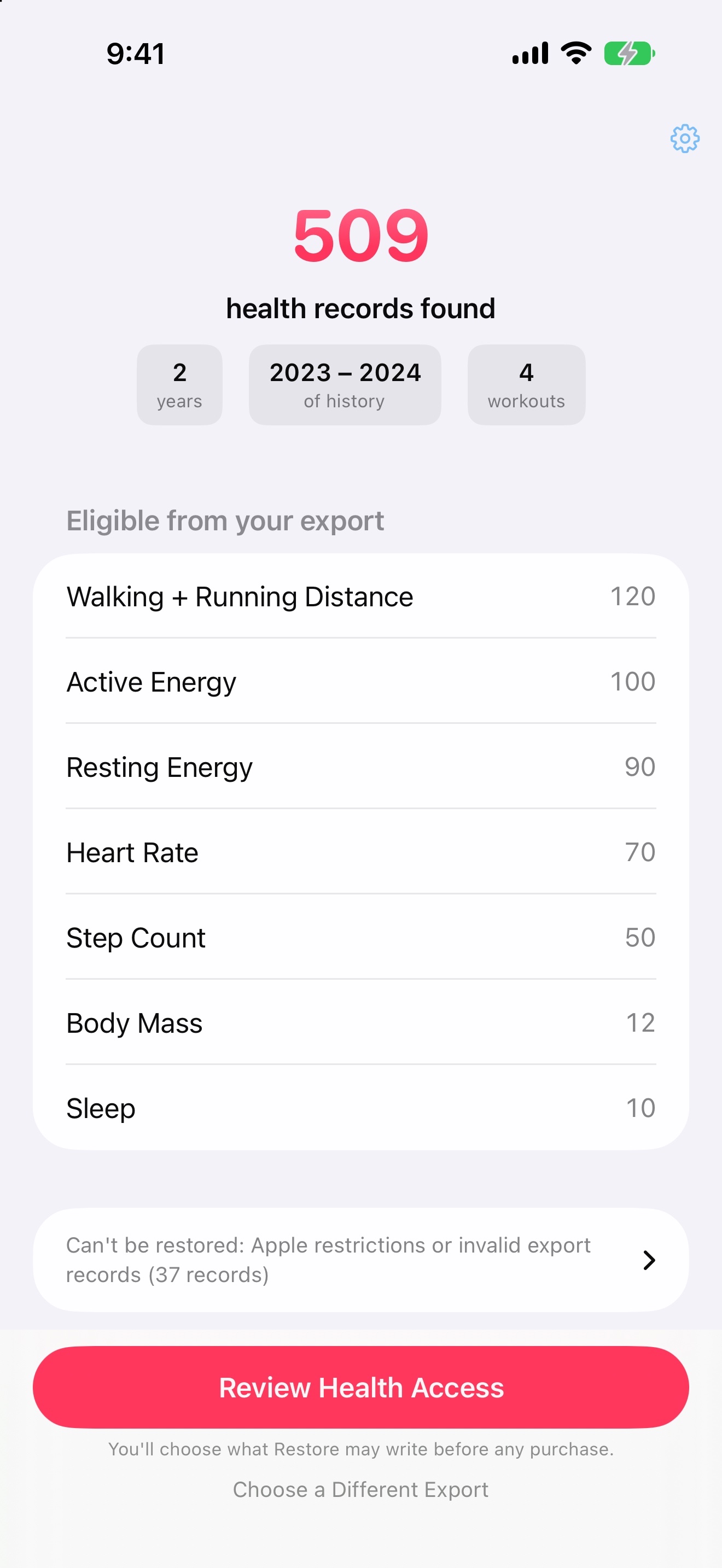
See the date range, record counts, and data types before writing.
03
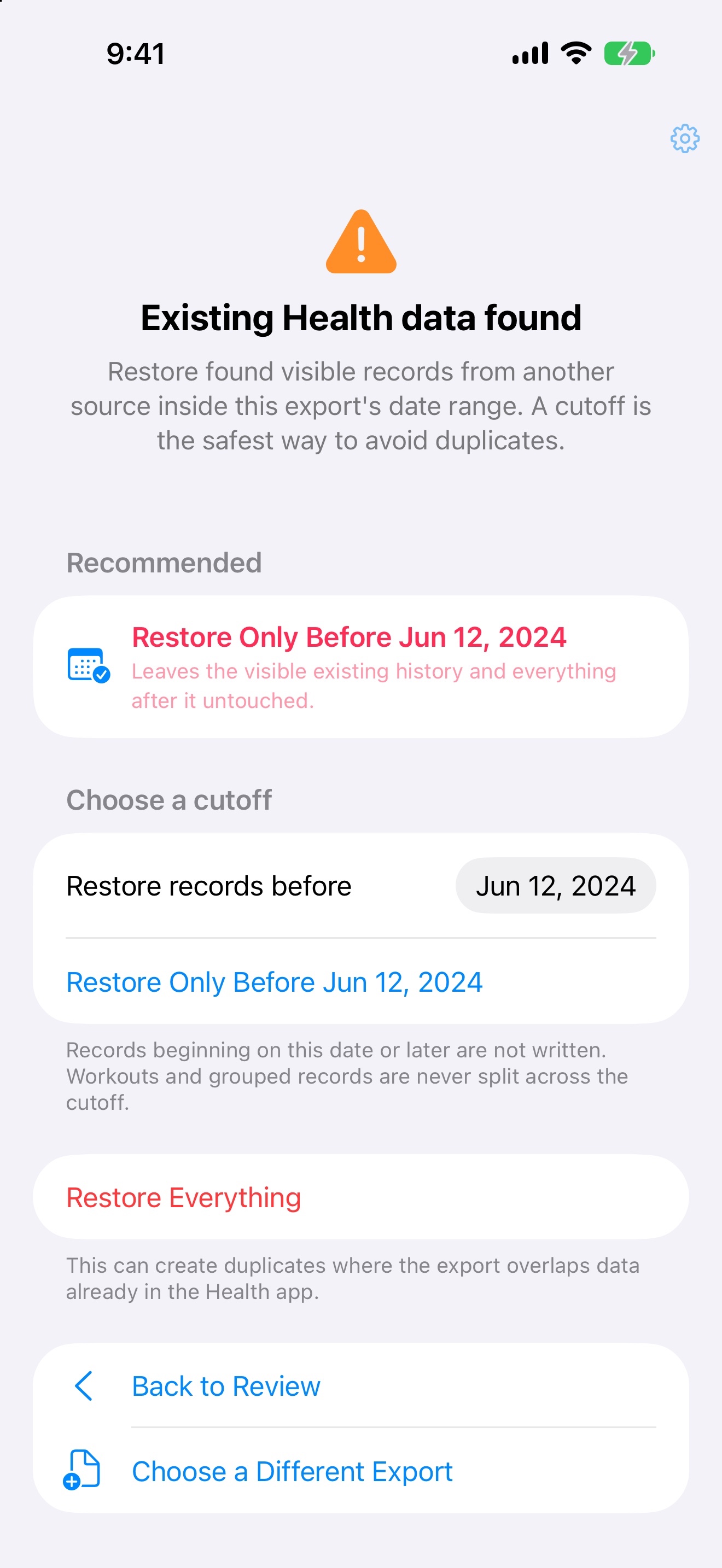
Review Health access and overlap, then choose all eligible records or a cutoff date.
04
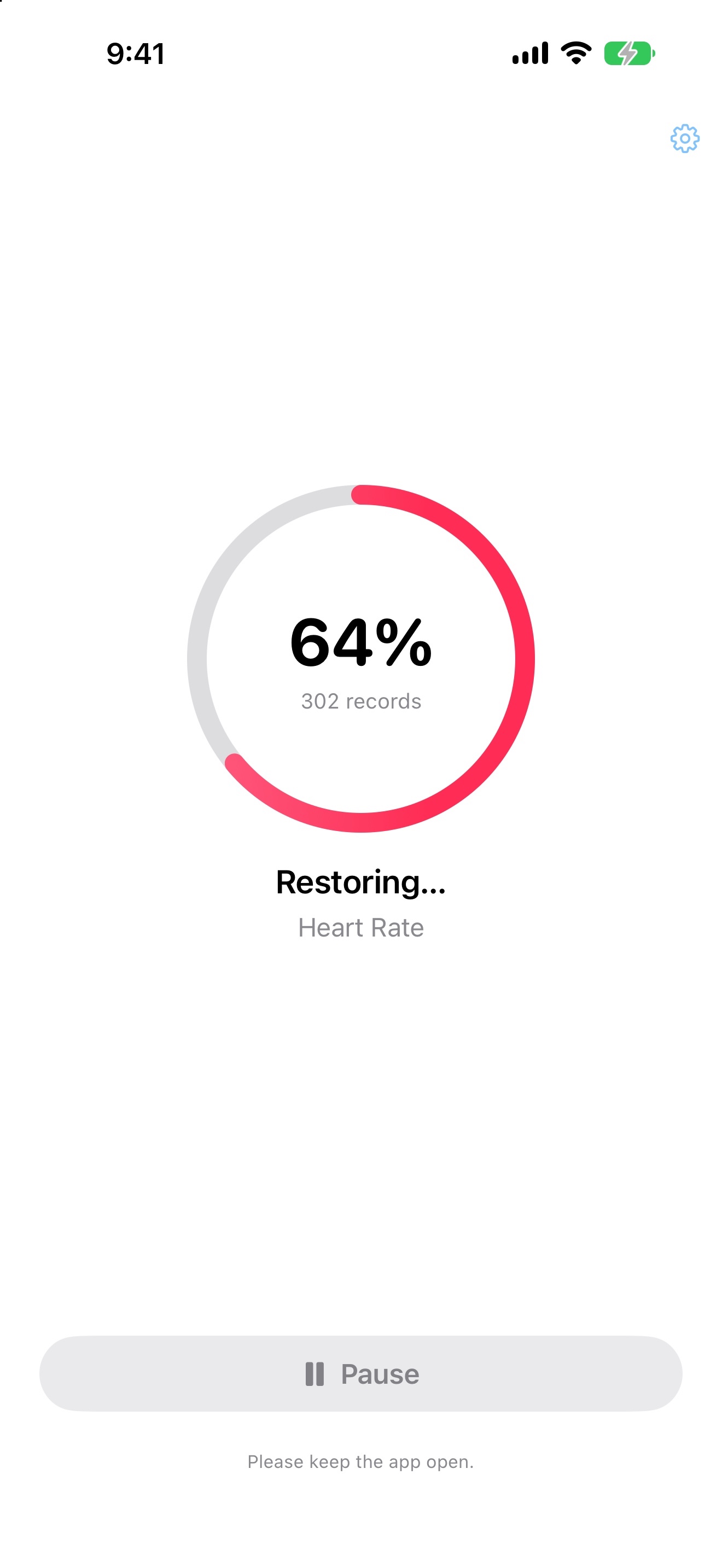
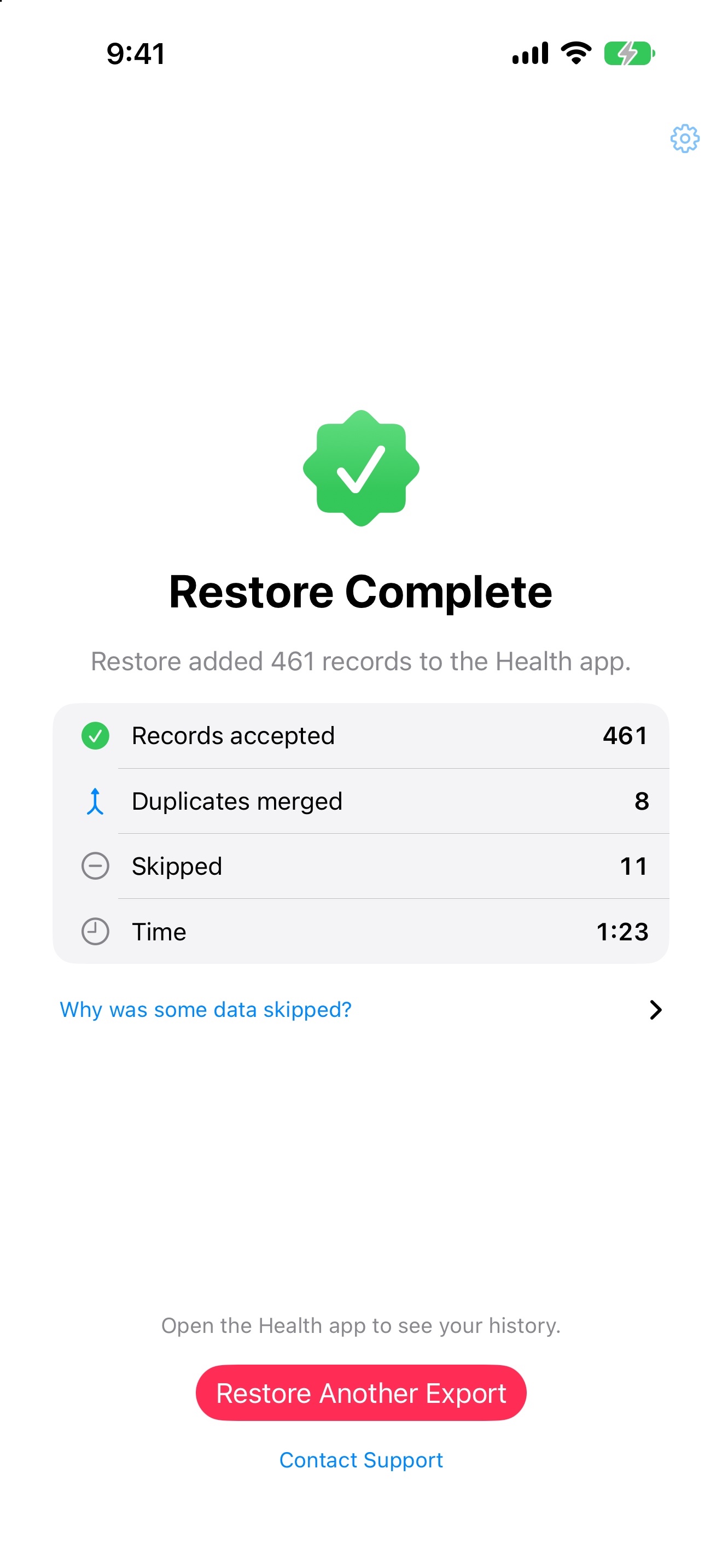
Keep the app open while restoring. Pause and resume when needed, then check the completion report.
Inside the app
Actual app screens with synthetic example data. Results vary by export and permissions. Select a screenshot to view it at full size.
Built for real exports
Size
Reads your export ZIP in small pieces instead of loading the whole file into memory.
Workouts
Restores supported workout details, including GPS routes, when your export contains them.
Interruptions
Durable checkpoints save progress as the restore runs. Reopen the app to resume with the same date range.
Undo
Delete Restored Data removes only the records Restore wrote. Data from Apple Watch and other apps stays untouched.
Your export stays yours
Restore scans the archive and coordinates HealthKit writes on your iPhone. The ZIP is created with the Apple Health app's Export All Health Data action. Arctic Studios does not receive your export or health records. Restore 1.0.4 uses automatic app analytics while preserving earlier opt-outs. Health data, exports and filenames are never sent. See our privacy details and choices.
Health Data Restore is independently developed by Arctic Studios LLC and is not affiliated with, sponsored by, or endorsed by Apple Inc.
Read the privacy policyHelp
No. Full Restore is a single purchase you can reuse. After reinstalling or changing iPhones, use the same Apple Account and choose Settings → Restore Purchases in the app.
If a scan, purchase, restore, or deletion does not behave as expected, contact Arctic Studios directly.
Restore supportScan your export for free before deciding to buy Full Restore.